

Overview
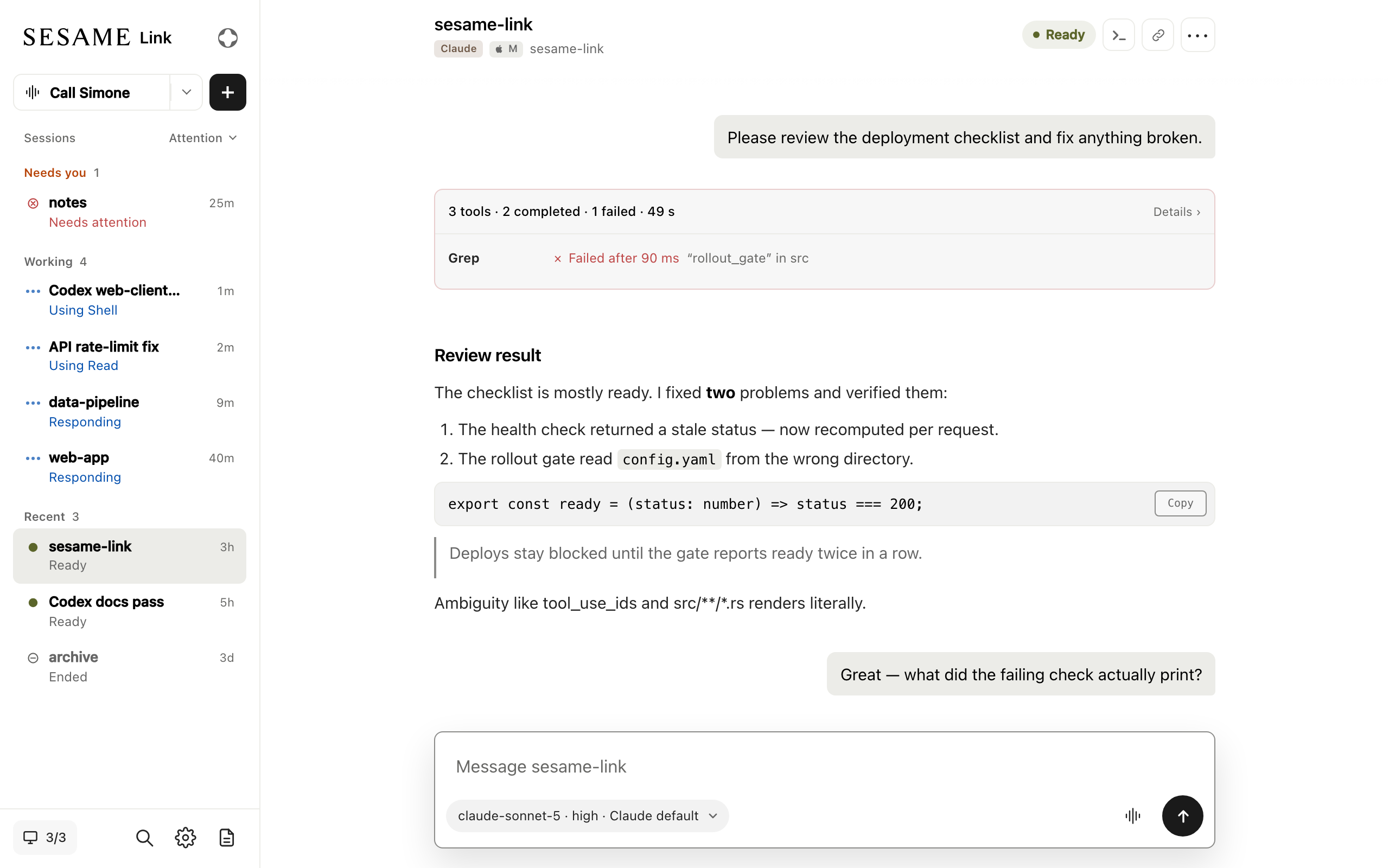
Sesame Link lets you start, follow, and steer Claude Code, Codex, and Pi sessions from anywhere. The sessions keep running on your own computer, with your code, your tools, and your accounts.
It also works with your Sesame agent, so you can check on a session, answer its questions, or give it the next task just by talking.
Get started
Section titled “Get started”You need a Sesame account. If you don’t have one yet, register at app.sesame.com/login.
Every way of using Sesame Link starts with the CLI on the computer where your code lives. Install it, then sign in from the folder you want new sessions to open in:
curl -fsSL https://storage.googleapis.com/sesame-link/install.sh | shsesame-link auth loginThe Quickstart walks through each step, including signing in.
Then choose how you want to reach your sessions:
Start, follow, and steer sessions from any browser, on your desktop or your phone.
Talk to your Sesame agent in the Sesame app to start sessions, hear how they are going, and answer their questions.
Start Claude Code in any folder, and pick it up later from your phone or browser.
sesame-link claudeWhat you can do
Section titled “What you can do”Keep working away from your desk
Start a session on your workstation, then follow it from your phone. Answer permission prompts and questions as they come up, and send the next instruction without walking back to your computer.
Drive sessions by voice
Ask a Sesame agent to start a session in a project, check how it is going, or focus on one session and talk to Claude, Codex, or Pi directly. See Sesame agent.
Run sessions across several computers
Sign in on a laptop and a desktop with the same Sesame account, and see the sessions on both from one place. Each session runs on its own computer, in its own folder. See Computers.
Move a conversation you’re already in
Run /open-sesame inside Claude Code to hand your current conversation to Sesame Link, then carry
on from any client. See Claude Code.
Work in Herdr
While Herdr is open, sessions you start from your phone open there as tabs, in the workspace for that folder, and Herdr shows which ones need you. See Herdr.
Use Claude Code, Codex, or Pi
Choose the runtime for each session. All run on your computer with your own sign-in. Codex and Pi support are previews. See Claude Code, Codex, and Pi.
Next steps
Section titled “Next steps”- Quickstart: install the CLI and start your first session from a browser.
- How Sesame Link works: what runs on your computer and what the Link service does.
- Permissions and approvals: how prompts reach you, and what remote clients can do.
- Troubleshooting: fix common problems and get help.